

Removing Access - Facebook Business Page
 0
0Frequently Asked Questions
- Why do I need to switch to the Page before removing access?
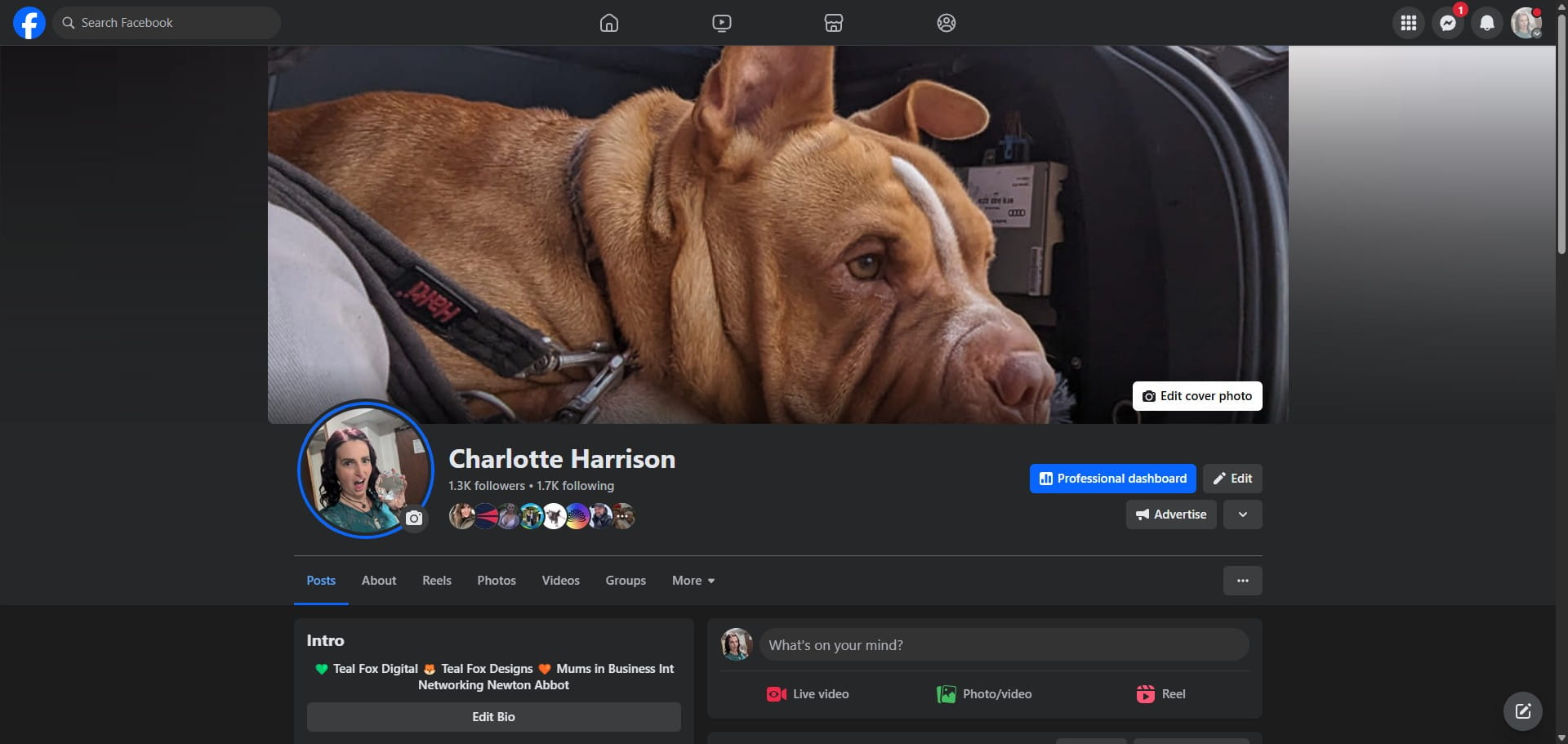
To remove access, you must first switch to the specific Facebook Business Page from which you want to remove someone's access. This ensures you're making changes to the correct page.
- What are the exact steps after clicking the three dots next to the profile I want to remove?
After clicking the 3 dots next to the profile you want to remove, select "Remove Access". You'll then be prompted to enter your Facebook password to confirm your identity and the removal request. Finally, click "Confirm" to finalize the process.
- What should I do if the access isn't removed immediately?
In some cases, the removal of access might not be immediate. You may need to refresh the page or go back to your profile to approve the removal request. However, in other instances, the access might be removed instantly.
- Why do I need to enter my Facebook password to remove access?
This step is a security measure by Facebook to ensure that only you, the account holder, can make changes to page access. It helps prevent unauthorized removal of access by others.