

Facebook - Deletion of Page
May 02, 2025●
 0
0Frequently Asked Questions
- Why do I need to switch to the business profile before deleting the page?
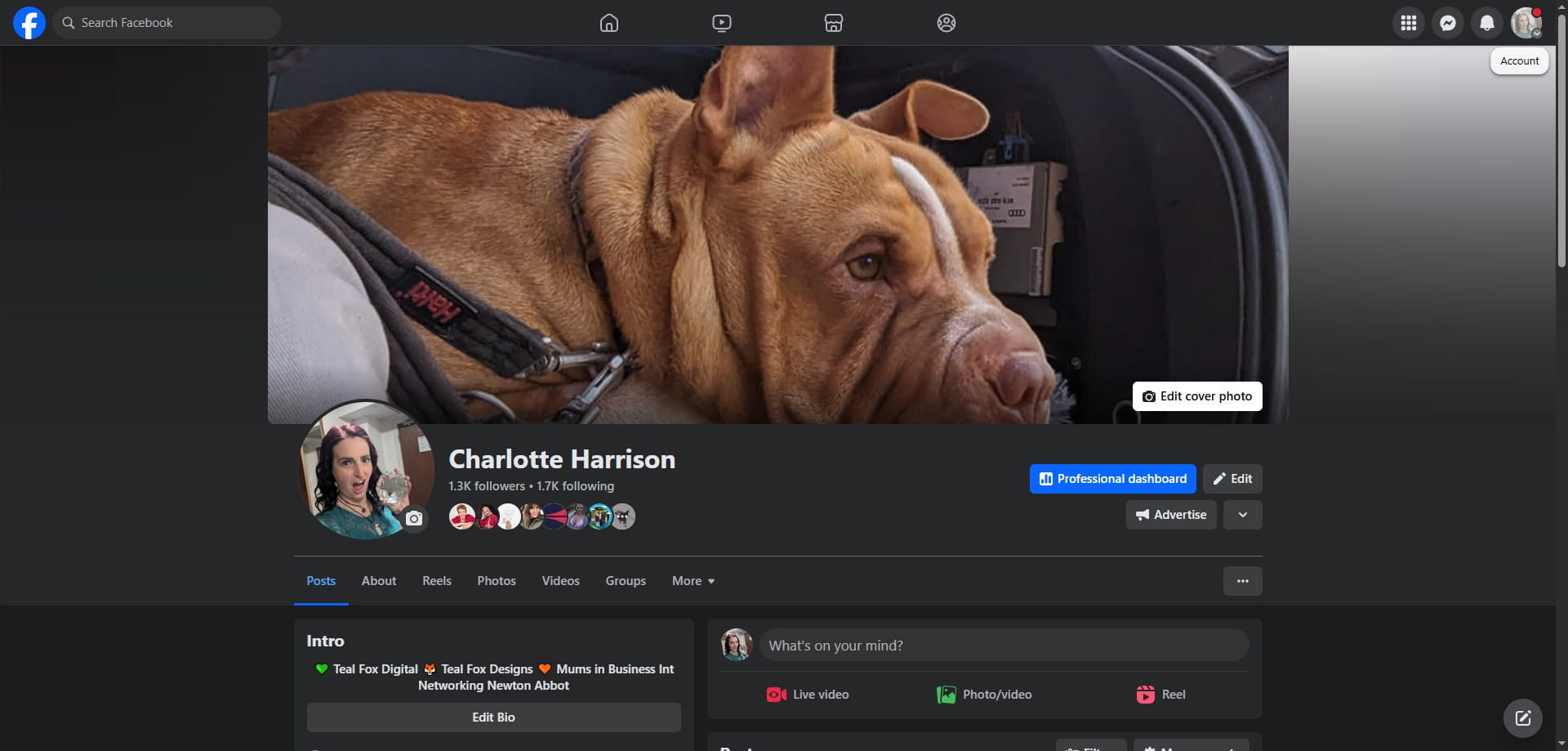
To delete a Facebook page, you must first switch to the business profile of the page you want to delete. This is done by clicking on your profile image in the top right corner and selecting the desired page.
- What happens after I click 'Continue' in the deletion process?
After initiating the deletion process, Facebook provides options to download or transfer information from the page. If you don't need this information, you can proceed directly by clicking 'Continue'.
- Why do I need to enter my password to delete the page?
To confirm the deletion, you'll need to enter your Facebook login password. This step ensures that only the authorized administrator can delete the page.
- What happens after I click the 'Delete Page' button?
After clicking 'Delete Page', Facebook will delete the page and refresh the page, typically redirecting you back to your personal profile.